Published 28 October 20264 min read
Is your website safe? The basics, without the scare tactics
Website security isn't an expensive firewall or panic. We explain in plain language what really matters: uptime, a valid certificate and WordPress health — and how to check it in the Puluno Explorer.
- Security
- WordPress
- Guard
- Health
There's a lot of fear around website security. "Buy a firewall for a fortune a month, or you'll get hacked." For smaller sites the reality is elsewhere: most problems come from plain neglect — an expired certificate, an un-updated plugin, a weak password, or a site that went down and nobody noticed. This article walks through, in plain language, what's actually worth watching — no panic, no unnecessary tools.
No "cyber threat of the day" — just calm, an overview, and a few regular checks.
Three layers that are enough to watch
For a normal WordPress site you don't need a security center with dozens of alarms. You just keep three things in check:
- 1Uptimethe site is online with a valid certificate
- 2Updatescore and plugins are patched
- 3Accessstrong passwords and a clean site
Uptime: is the site even online?
The first "security" question is the simplest: is the site running and can it be trusted? Two things a customer notices immediately:
- An outage. The site goes down and you find out only when a client calls. Uptime monitoring tells you sooner.
- An expired certificate. When SSL expires, the browser shows a "Not secure" warning and people leave. A certificate has an expiry date — it gets watched.
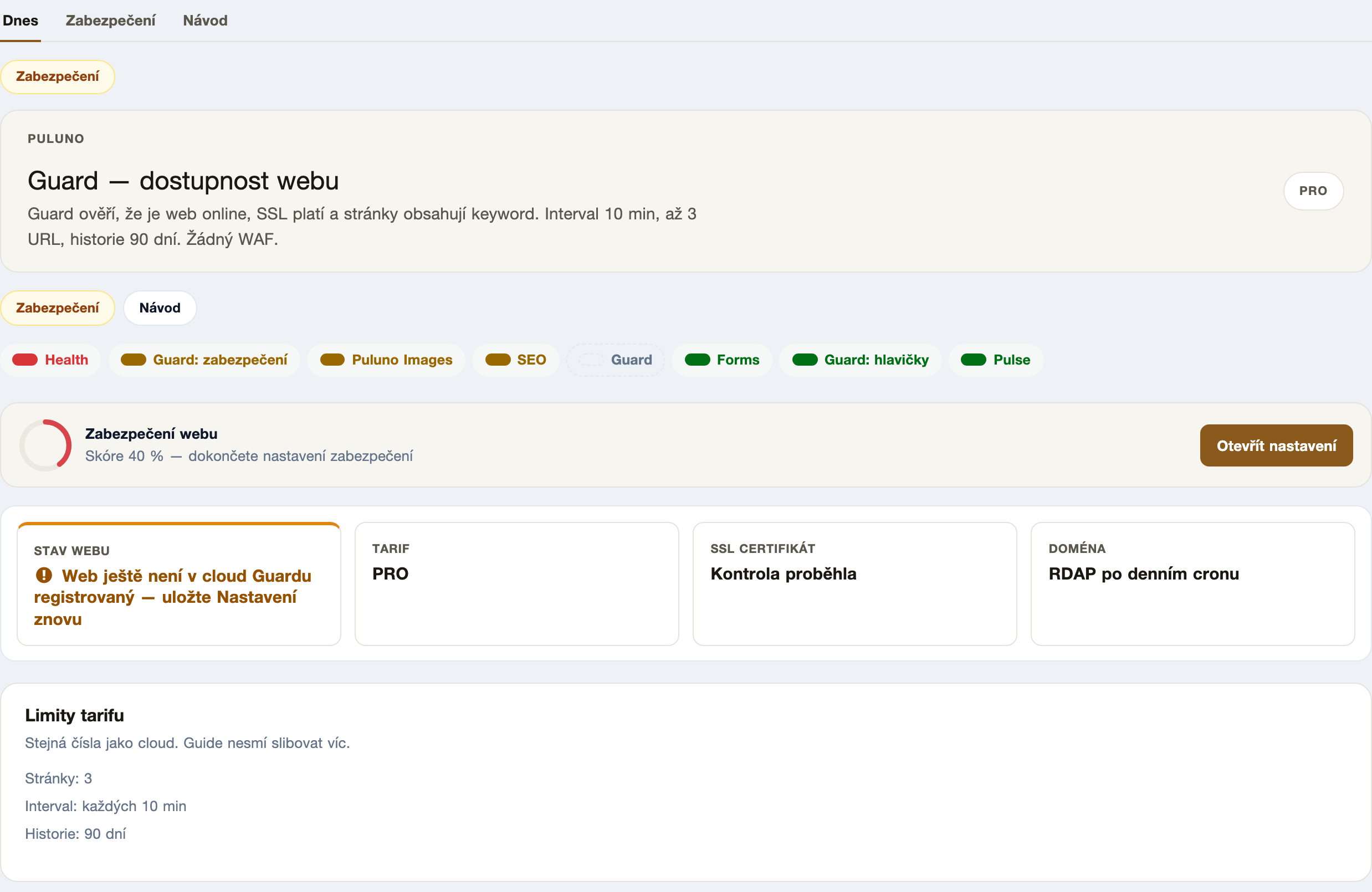
The Puluno Guard module does exactly this: at an interval it verifies the site is online, that SSL is valid, and that the page contains the expected content. No firewall, no traffic blocking — just monitoring and an early warning.
WordPress operational health
The second layer is WordPress itself. The most common real risk isn't a "hacker" but an outdated plugin with a known flaw. Add to that the clutter that needlessly reveals what runs on the site.
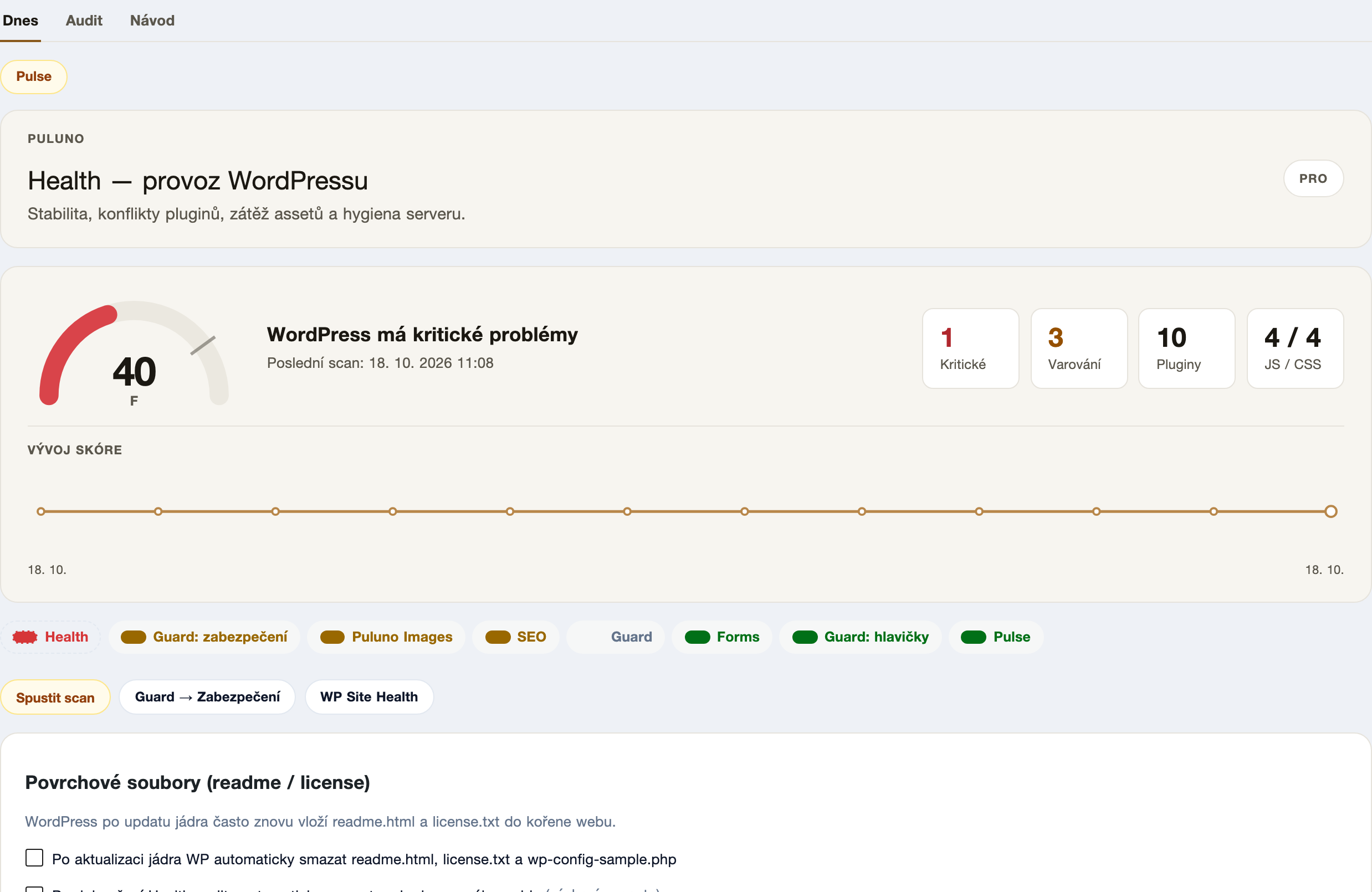
The Puluno Health module watches the operational side:
- updates and conflicts of core and plugins,
- asset load (how much JS/CSS the site loads),
- server hygiene — e.g. the
readme.htmlandlicense.txtfiles WordPress keeps putting back in the root after a core update, revealing the version.
What's enough to do (and what isn't)
For a smaller site, basic hygiene makes sense — not a second heavy plugin that slows the whole thing down:
- Strong passwords and two-factor login for administrators.
- Regular updates of core and plugins (ideally with a quick check after each update).
- Backups you know how to restore — a backup you've never tested doesn't count.
- HTTPS everywhere and a monitored certificate.
- Clean up surface files (
readme.html,license.txt) so the site doesn't needlessly reveal its version.
What you don't need: stacking multiple security plugins on top of each other (they'll clash), paying for a "firewall" that just adds another maintenance layer, or giving in to pop-up "urgent threats". That's why Puluno Guard deliberately isn't a WAF — blocking traffic is the job of hosting and a CDN, not a plugin.
How to verify in the Explorer
The Explorer checks basic security signals during the scan:
- Open the Explorer and enter
https://your-domain.com. - Wait for the scan to finish.
- On the Overview, check the HTTPS and security headers findings.
- In WordPress, handle updates and cleanup via Puluno Health and uptime via Guard, then run the scan again.
WordPress: a short checklist
- Puluno Guard — turn on uptime and SSL monitoring, set the check interval.
- Puluno Health — go through critical findings, apply updates and enable
readme.html/license.txtcleanup. - Admin accounts — strong passwords and two-factor login.
- Backups — verify they can be restored.
- Run a scan in the Explorer after changes and watch the findings go down.
Summary: Security for a smaller site isn't an expensive firewall but three regular checks: that the site is online with a valid certificate (Guard), that WordPress is updated and tidy (Health), and that it has strong passwords and backups. Measure the basics in the Explorer, fix the findings, and scan again — calmly, without the scare tactics.