Center & savings
Overview of compressed files, saved MB and queue status in one place.
Načítání stránky… / Loading page…
WordPress · media & performance

Center shows savings, queue and history. Free always optimizes new uploads with no limit; existing library 100 opt./month, queue 25. Pro unlocks unlimited library processing, AVIF and larger files.
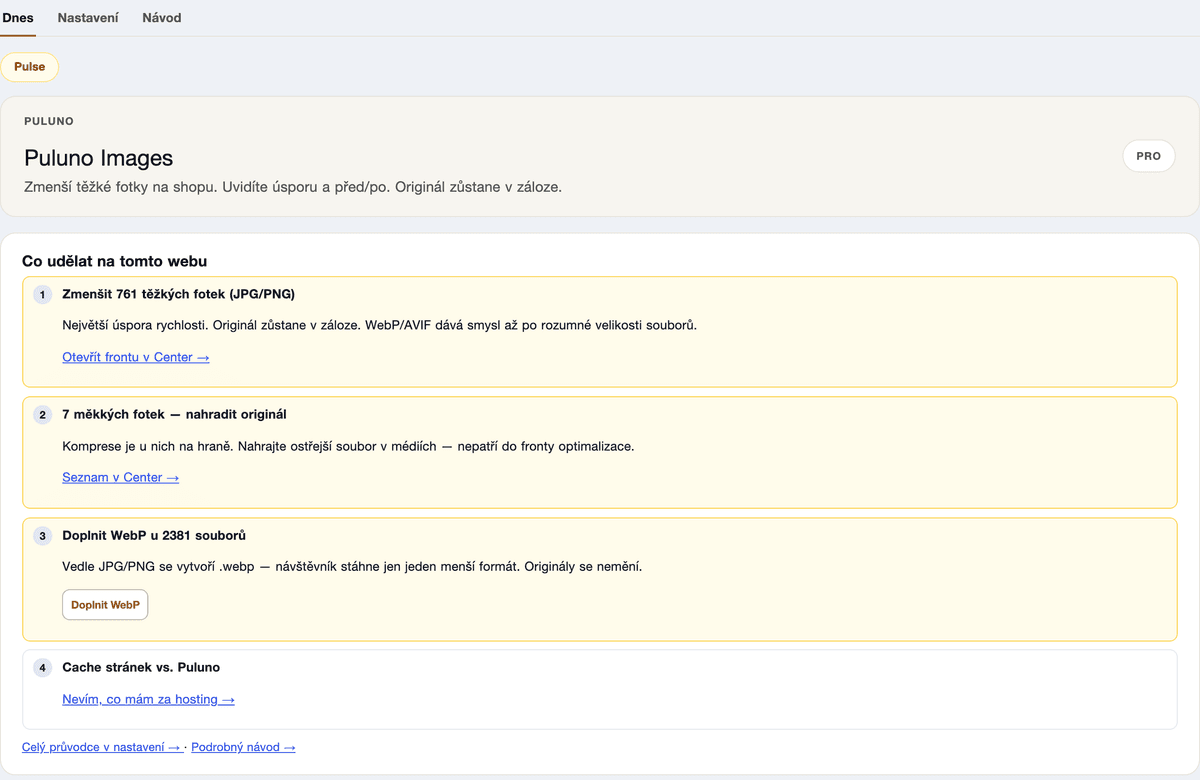
Overview of compressed files, saved MB and queue status in one place.
Free: unlimited new uploads, existing library 100 opt./month, queue 25, max 3 MB. Pro: unlimited and max 20 MB.
Original backup — one click back when result doesn't fit.
Optimize on media upload — no manual batch runs.
Optional WebP beside JPEG/PNG. Delivery handled by LiteSpeed / hosting.
SEO + Images + Forms cheaper than separate — ideal for e‑shops and catalog sites.
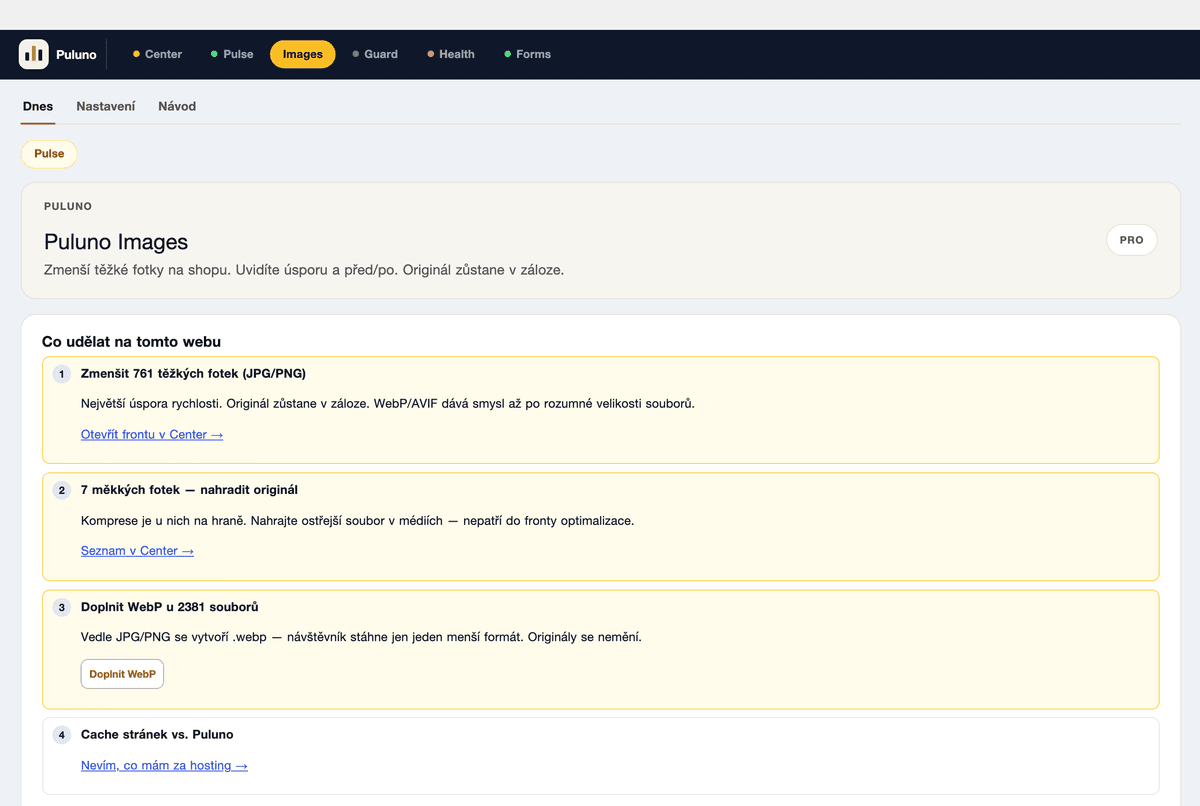
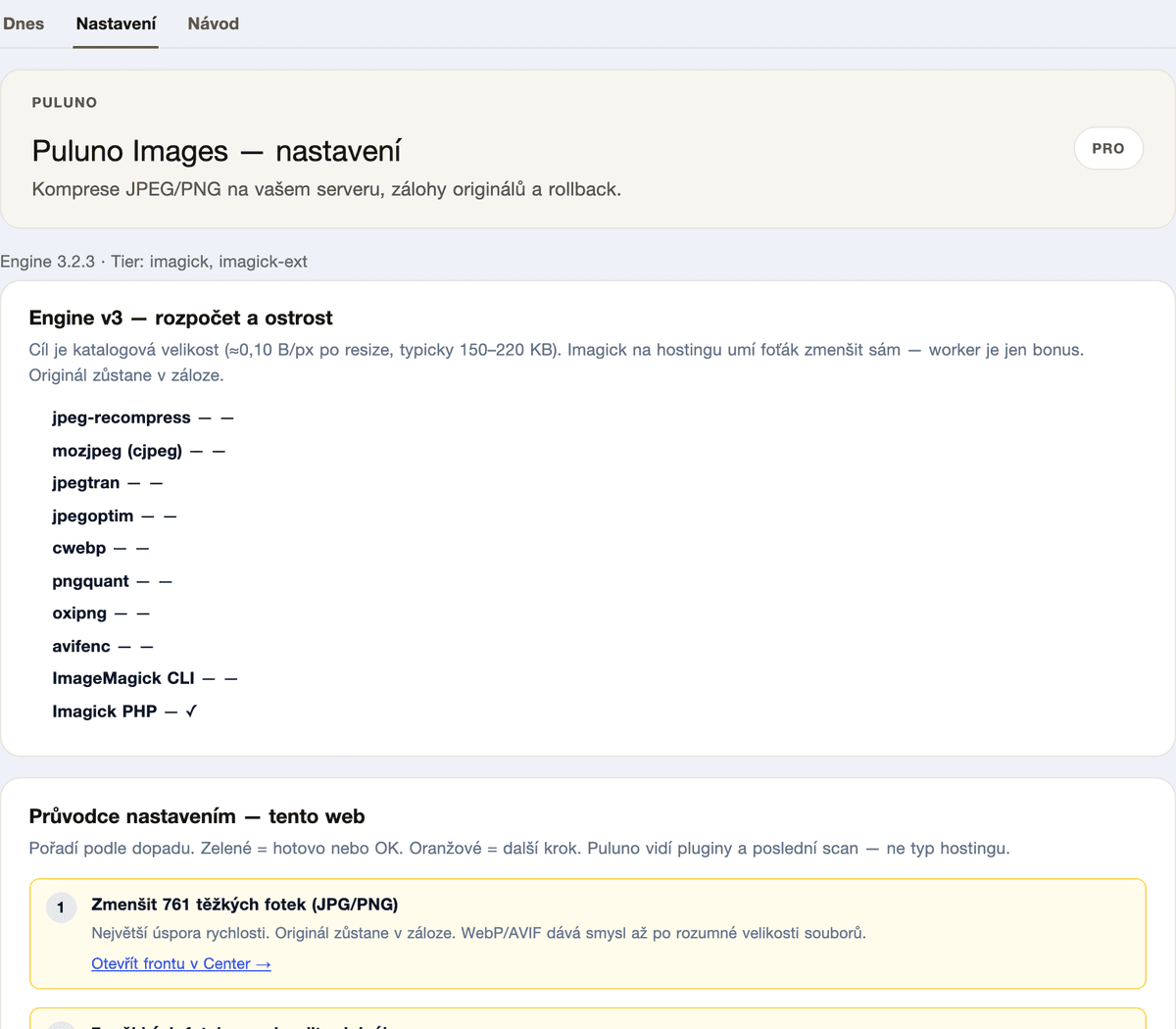
Activate Images alongside SEO (or standalone).
Select media and run optimization — watch the queue.
Auto-upload and unlimited batches when Free isn't enough.
Images is its own plugin — free first. In WordPress it lives under the same Puluno menu. Bundles when you want multiple modules.