Published 25 October 20265 min read
How AI sees your site: llms.txt, products, and the Explorer step by step
Search engines are not the only readers of your website. A plain-language walkthrough of llms.txt, Product schema, and how to check your setup in the Puluno Explorer.
- AI
- WordPress
- WooCommerce
- Explorer
When someone asks ChatGPT or another assistant to “recommend a hardwood flooring supplier in Prague”, the model does not browse your site like a human. It combines training data, public signals, and sometimes a fresh fetch of a page. Google Search Console shows how Google sees you. AI visibility is a related discipline — different readers, similar idea: make facts easy to find.
This article covers three layers that matter quickly on WordPress and WooCommerce: llms.txt, structured product data, and a check in the Explorer on puluno.io. No hype — just steps you can follow without a developer.
Why a “beautiful website” is not enough
Visitors see menus, photos, and Buy buttons. An AI assistant often gets a text extract: title, paragraphs, maybe JSON-LD in the HTML. Missing product descriptions, machine-readable prices, or a site overview leads the model to fill in generics — and you never appear in the answer.
That does not mean “gaming ChatGPT”. It means clear signals, like classic SEO: what you sell, where, for how much, and where to go next.
- 1Your sitepages and products
- 2llms.txta map for AI
- 3Product schemaprice, brand, description
- 4AI answermentions you by name
What llms.txt is and where to find it
llms.txt is a simple text file at your site root (https://your-domain.com/llms.txt). It works as a short map for tools that prepare your site for AI: main sections, important URLs, sometimes products.
Unlike sitemap.xml (mainly for search crawlers), llms.txt is human- and model-readable — short lines, descriptions, no XML.
What the file should contain
Typical structure (Puluno SEO can generate this automatically on WordPress):
- Short business description — one or two sentences.
- Main sections — contact, shop, blog, portfolio (with URLs).
- Products (WooCommerce) — selected items with name, link, and a short summary.
- Sitemap link — so crawlers know where all URLs live.
For shops, an “AI summary” field on the product helps: one sentence models can quote instead of long marketing copy.
Product schema — a “price list in code”
Product pages usually include JSON-LD with @type: Product. In plain terms: a machine-readable product card — name, description, image, price, brand.
The Puluno Explorer does not require GTIN (barcode) for custom goods. What helps most:
| Field | Why it matters |
|---|---|
| name & description | Without them, AI summaries drift |
| image | Richer answers and previews |
| offers (price) | Real prices instead of guessed “contact us” |
| brand | Separates you from a generic “flooring supplier” |
Issues are often tips (low severity). Still worth fixing on top SKUs.
For Search Console and Bing (including GSC import), see the connections manual.
How to verify in the Explorer
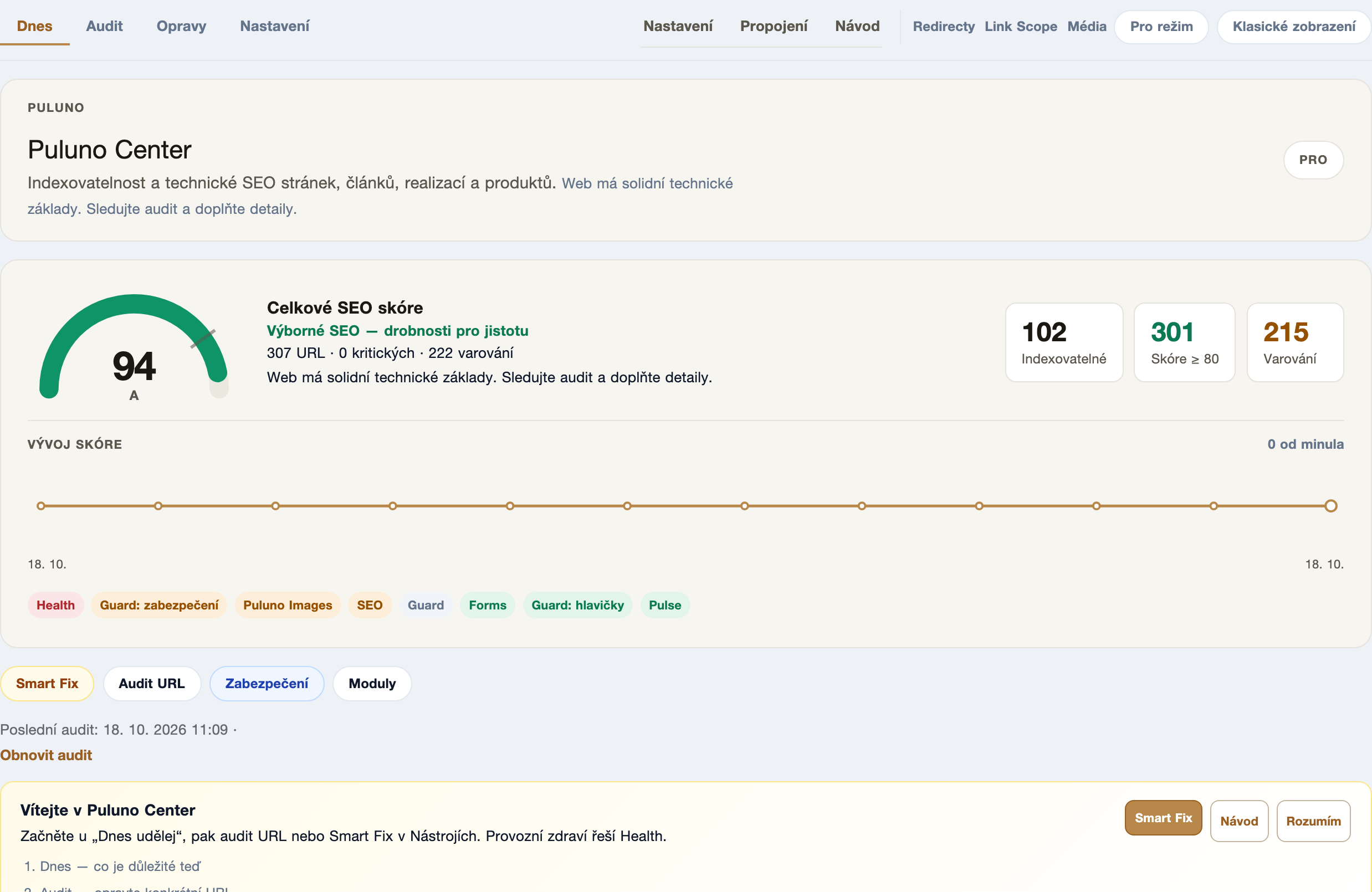
The Explorer scans your homepage (and on Pro, a sample of URLs). You get:
- score and grade A–F,
- AI bots panel — what robots.txt allows,
- llms.txt finding — found / missing,
- for shops, Product schema tips under Evidence.
A simple workflow:
- Open the Explorer and enter
https://your-domain.com. - Wait for the scan to finish.
- On Overview, read findings by severity — each has a title and fix hint.
- Open Evidence → Schema / AEO for product detail.
- Fix what you can in WordPress (Puluno SEO plugin), then scan again.
WordPress admin checklist
- Puluno SEO → Settings — confirm sitemap (
/wp-sitemap.xml) and IndexNow if you use it. - Preview llms.txt from plugin settings; product saves refresh content (host cache may delay a few minutes).
- On 5–10 key products, fill AI summary and check meta descriptions.
- GSC — same sitemap URL; Bing can import from GSC without a second verification tag.
What to expect (realistically)
No tool guarantees ChatGPT will recommend you tomorrow. The goal is less guesswork: a map for AI (llms.txt), clear products (schema), and measurable progress (Explorer before / after).
For deeper WordPress work (redirects, GSC in Center, daily tasks), see pricing or situation playbooks for a specific finding code.
Summary: AI reads differently than people. llms.txt provides a map, Product schema clarifies offers, and the Explorer surfaces gaps early. Start with one scan — the rest is iteration.